
A working phone connection can make your arrival at Cancun International Airport noticeably easier. You may want to message your driver, open a hotel confirmation, check a flight update, translate an address or view a map before leaving the terminal. The best approach is not to depend on one connection method, but to prepare a simple combination of airport Wi-Fi, mobile data and offline information.
This practical guide explains what to download before flying, how to connect more securely after landing, and which details should remain available even when your phone has no signal. Services and network availability can change, so confirm current airport information with ASUR and plan-specific roaming details with your mobile carrier before departure.

Before your flight: build a connection backup
Start by saving the information you will need during the first hour in Cancun. Take screenshots or download PDF copies of your airline itinerary, passport information page, hotel address, transfer confirmation and meeting instructions. Store them in a folder that opens without internet access, and share the transport voucher with another member of your group.
Download the local area in your preferred map app, add the hotel as a saved place and note its full street address. Google’s official instructions explain how to download an area for offline use in Google Maps. An offline map is useful even when mobile data is available because it reduces the amount of information your phone must load after landing.
Also review the Cancun Airport arrival-day checklist so you know when you are likely to need your phone during immigration, baggage collection, customs and the walk to ground transportation.
Using Wi-Fi at Cancun Airport
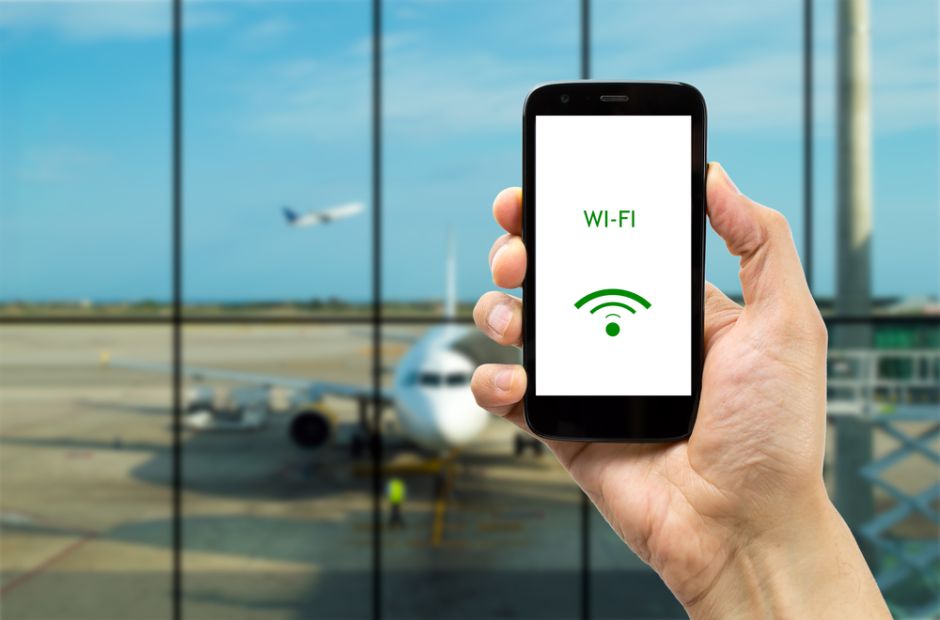
Wi-Fi can be helpful for sending a short message or retrieving a confirmation, but network names, coverage and login steps may vary by terminal or change over time. Follow signs and on-screen instructions in the terminal, and consult ASUR’s official Cancun Airport information for current airport services.
Before connecting, check the network name carefully. Avoid similarly named networks that are not clearly identified, and do not install unexpected software or browser profiles simply to get online. For sensitive activity—such as banking, changing passwords or entering payment details—your own cellular connection is preferable. Turn off automatic Wi-Fi joining so the phone does not reconnect later without your knowledge.
If the connection is slow, send text rather than large photos or videos. A screenshot of your driver’s meeting point will load instantly from your device and is more dependable than opening a long email thread at the curb.
Roaming: convenient when arranged in advance
International roaming is often the most seamless option because your existing number remains active. Before travel, check whether Mexico is included in your plan, how much high-speed data is available, whether calls and texts are covered, and what happens after the allowance is used. Carrier rules differ, so verify the details directly in your provider’s app or website rather than relying on an old rate.
Enable data roaming only if it is included or you have deliberately purchased a pass. Background photo backups and app updates can use data quickly, so pause them until you reach your hotel’s trusted network. A low-data mode can help your allowance last longer.
Local SIM or eSIM: useful for a longer stay
A Mexican prepaid SIM may be practical for travelers who need regular local data or calls. Check that your phone is unlocked and compatible before buying a plan. Use an official carrier channel or authorized seller, ask what is included, and keep the purchase receipt. Telcel’s official website is one place to review current service information directly from a Mexican mobile operator.
An eSIM can be installed digitally on compatible devices, sometimes before the trip. Confirm that your exact phone model supports eSIM, understand when the package activates and save the installation instructions offline. Apple provides an official overview of using eSIM while traveling internationally; Android procedures depend on the manufacturer and carrier.
Do not remove your primary line unless necessary. Keeping it available can help with authentication texts, but review roaming settings so it does not generate unintended data usage.
Contacting your airport transfer
Before departure, save the transfer company’s phone and messaging contact with the country code. Record the lead passenger name, reservation number, pickup terminal and exact meeting point. If your flight changes, send the updated flight number when you are able to connect.
After landing, finish immigration, collect every bag and proceed through customs before following the confirmed meeting instructions. Keep in mind that your driver may be serving multiple arrivals, so use the communication method named on the reservation rather than sending messages across several channels. The Cancun Airport transportation guide explains the main onward travel choices.
Keep your battery ready for arrival
Connectivity is only useful while the phone has power. Charge devices before boarding, place a cable and permitted power bank in your carry-on, and activate battery-saver mode during the flight. Reduce screen brightness and close navigation when it is no longer needed. If traveling as a group, keep the essential documents on at least two phones.
For your return flight, use the same preparation in reverse: save your pickup confirmation, airline booking and terminal details offline. Check the online check-in guide and the Cancun Airport terminal guide before leaving your accommodation.
A simple connection checklist
- Save flight, hotel and transfer details offline.
- Download a map of Cancun and your destination.
- Confirm roaming, SIM or eSIM terms before travel.
- Check Wi-Fi network names carefully and avoid sensitive transactions on public networks.
- Carry a charged phone, cable and permitted power bank.
- Share essential confirmations with a travel companion.
With these small preparations, you can move from the aircraft to your hotel with the information you need already in hand. The goal is not constant screen time—it is having dependable access at the few moments when it makes your Cancun arrival smoother.